

Frequently Asked Questions
[Nintendo Switch 2] I purchased ‘FINAL FANTASY XIV Complete Edition (A Realm Reborn – Dawntrail)’. How do I start playing the game?
For customers who have purchased the ‘FINAL FANTASY XIV Complete Edition’ which includes the ‘Dawntrail’ expansion on Nintendo Switch™ 2, the steps to start playing the game for the first time are as follows.
*A Square Enix Account is required to play ‘FINAL FANTASY XIV’. If you do not have one, please register for a new account here.
If you are currently playing the ‘Starter Edition’ on Nintendo Switch™ 2 and wish to play ‘Dawntrail’ or ‘Endwalker’, please check here.
1. Link your Nintendo Account to the 'user' on your Nintendo Switch™ 2 console that you wish to play FINAL FANTASY XIV.
2. Purchase the Nintendo Switch™ 2 version of the ‘FINAL FANTASY XIV Complete Edition’ using the Nintendo Switch™ 2 user profile from Step 1.
3. Install the client data.
* For customers who have purchased the ‘FINAL FANTASY XIV Complete Edition’, ‘A Realm Reborn’ and ‘Dawntrail’ will be installed simultaneously.
* If you have been playing the Nintendo Switch™ 2 Free Trial, the client data is already installed, so this step is not necessary.
4.Launch FINAL FANTASY XIV. The screen below will appear; please read it carefully, tick the box next to ‘I agree to the terms of this Subscription’, and select ‘Next’.
5. Please log in with your Square Enix Account.
*If you do not have a Square Enix Account, you will need to register for a new one. Please complete the registration process if you do not already have one.
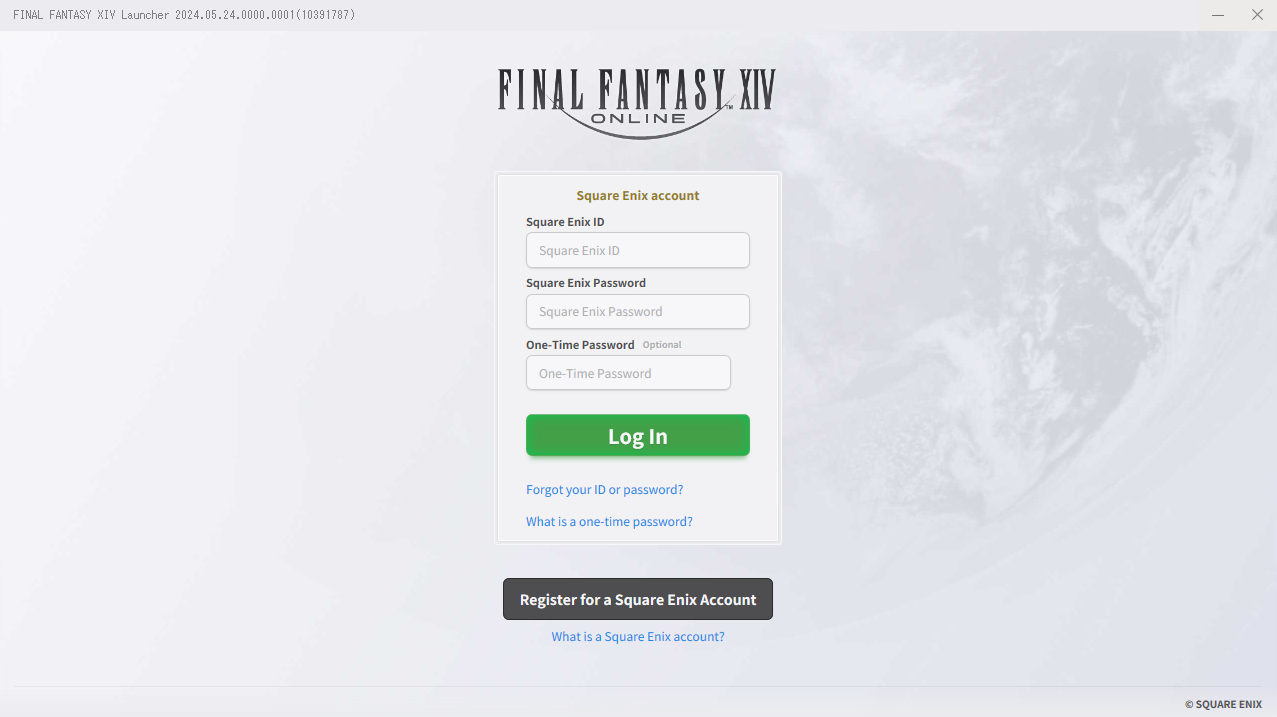
6. A screen will appear prompting you to link your Nintendo Switch™ 2 user profile and Square Enix Account. Please check that the accounts are correct and follow the on-screen instructions to complete the linking process.
* Your Nintendo Switch™ 2 user profile and Square Enix Account will be linked on a one-to-one basis. Once linked, this cannot be undone, so please check carefully to ensure you have selected the correct accounts.
* If you wish to change the Square Enix Account you are linking, please exit the game without proceeding with the link, and try again.

* The image is for illustrative purposes only. The Nintendo Switch™ 2 user profile to be linked will be displayed.
7. Please select the type of license to register with your Square Enix Account.
8. A confirmation screen for the new subscription account will be displayed.
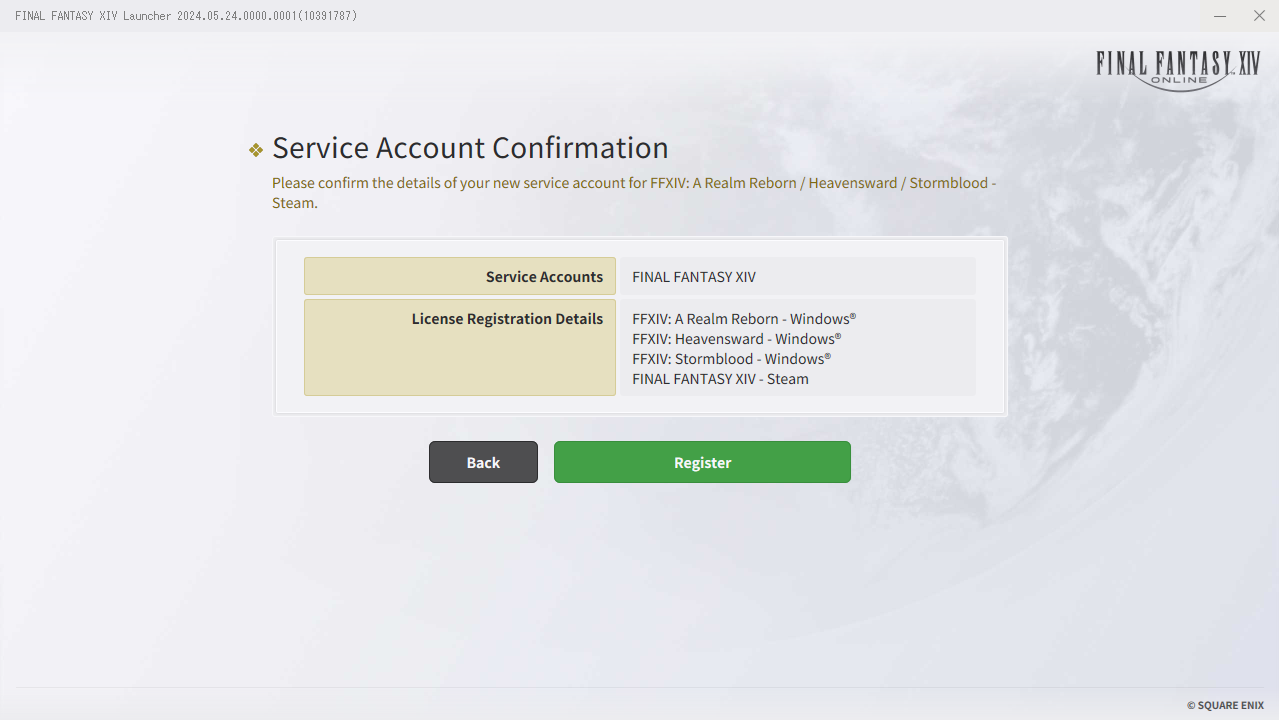
* The image is for illustrative purposes only. The license to be registered will be displayed as ‘FFXIV: A Realm Reborn – Nintendo Switch™ 2’ to ‘FFXIV: Dawntrail – Nintendo Switch™ 2’.
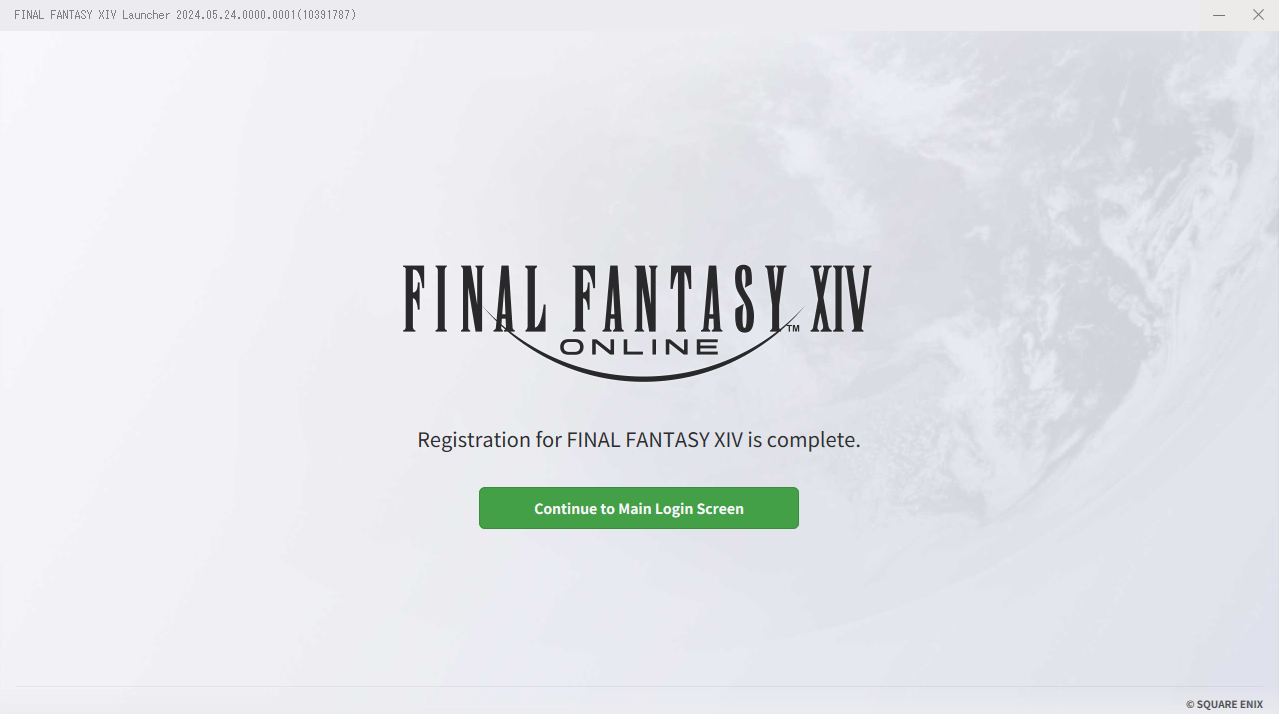
9. Select ‘Next’ on the screen below to complete the registration.
FAQ Article: 83573
FAQ Category: [Product Specifications] / FAQ Sub-category: [Gameplay Procedures]
FAQ Category: [Product Specifications] / FAQ Sub-category: [Gameplay Procedures]
| Return to TOP |