

Frequently Asked Questions
How do I cancel a service account?
Follow the steps below to cancel a service account:
1) Log into the Mog Station (https://www.mogstation.com) with the SQUARE ENIX Account that you used to play FINAL FANTASY XIV.
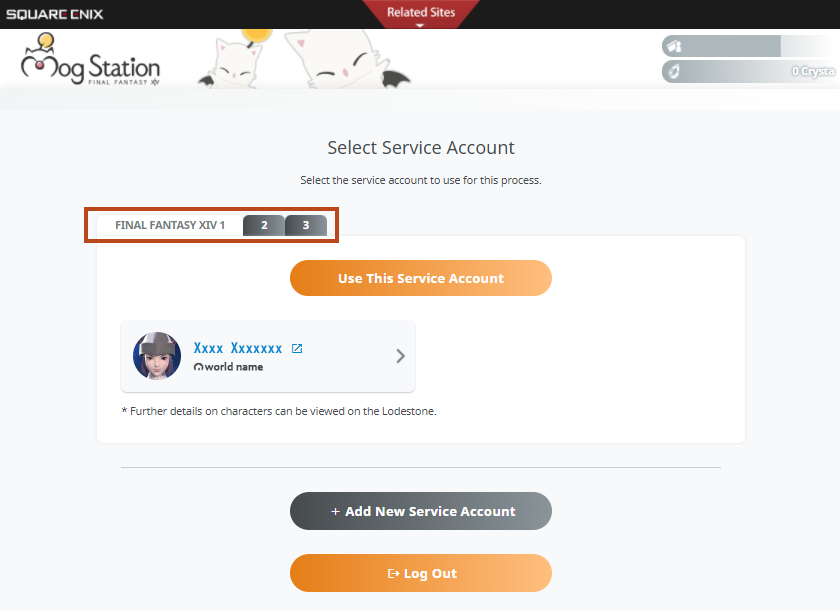
* If you possess multiple service accounts, you will be taken to the service account selection screen. Please carefully navigate through the tabs and select the correct service account you intend on cancelling, then select "Use This Service Account."
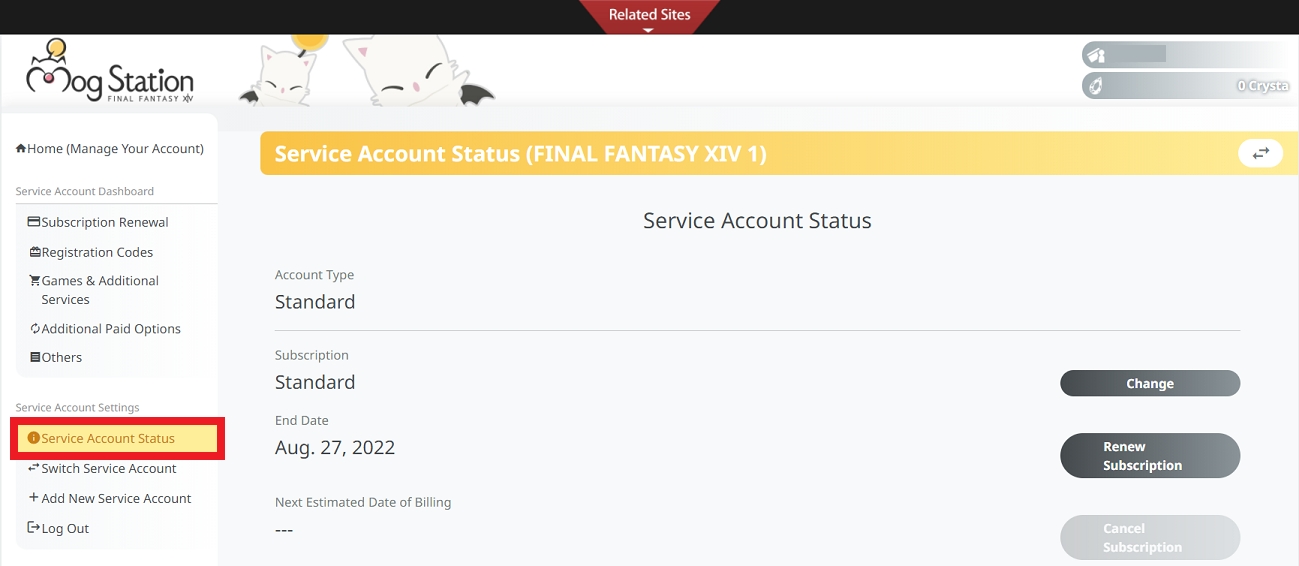
2) Select "Service Account Status" from the menu on the left hand side of the screen.
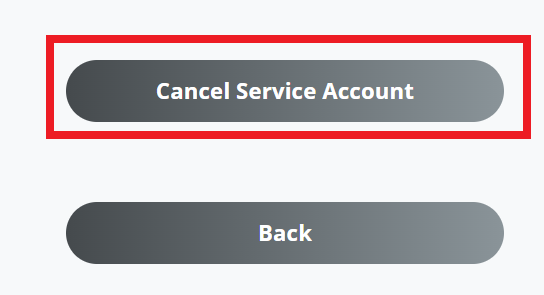
3) Select the "Cancel Service Account" button from the bottom of the screen.
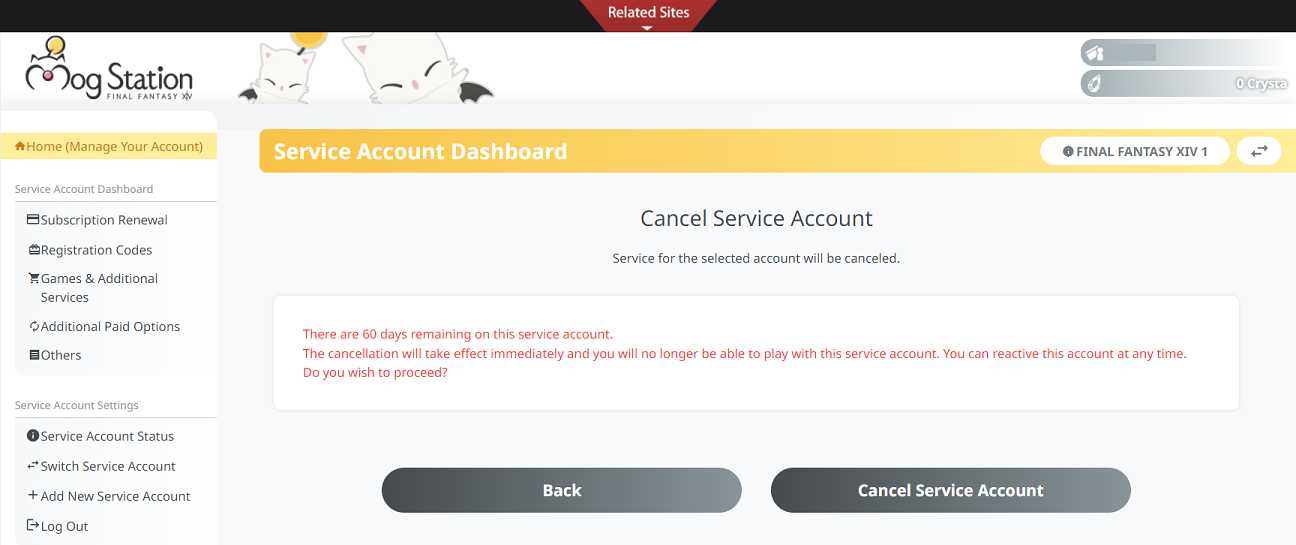
4) Follow the on-screen instructions to complete the cancellation procedure.
1) Log into the Mog Station (https://www.mogstation.com) with the SQUARE ENIX Account that you used to play FINAL FANTASY XIV.
* If you possess multiple service accounts, you will be taken to the service account selection screen. Please carefully navigate through the tabs and select the correct service account you intend on cancelling, then select "Use This Service Account."
2) Select "Service Account Status" from the menu on the left hand side of the screen.
3) Select the "Cancel Service Account" button from the bottom of the screen.
4) Follow the on-screen instructions to complete the cancellation procedure.
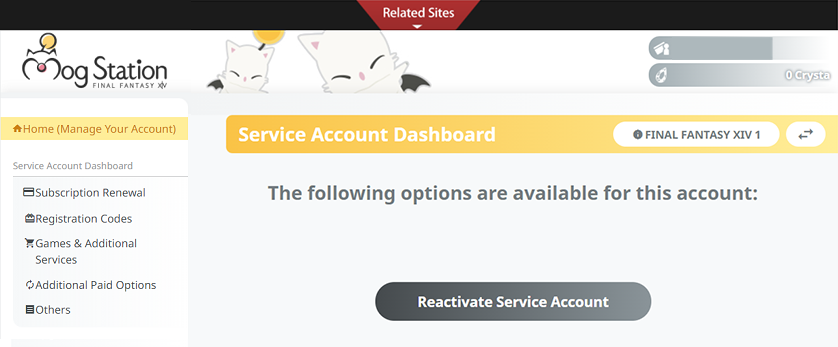
* Please note, if you wish to reactivate a service account in the future, simply go back to the "Service Account Status" page, then select the "Reactivate Service Account" button.
FAQ Article: 68084
FAQ Category: [Accounts/ID] [Official Website] / FAQ Sub-category: [Account Cancellation] [Mog Station]
FAQ Category: [Accounts/ID] [Official Website] / FAQ Sub-category: [Account Cancellation] [Mog Station]
| Return to TOP |